Secure messaging straight to your clinical system with Best Practice Software
Use your ReferralNet account to securely send and receive a range of clinical documents direct to your clinical inbox within Best Practice Software.



Use your ReferralNet account to securely send and receive a range of clinical documents direct to your clinical inbox within Best Practice Software.

Best Practice Software integrates with ReferralNet allowing you to securely send and receive clinical correspondence, images, letters, referrals, videos and more (ReferralNet is payload agnostic) directly within your Best Practice inbox via HL7 messaging.
Best Practice Software also integrates with our sister-product HotHealth, powering appointment bookings, online forms and telehealth consultations in the Best Practice clinical system.
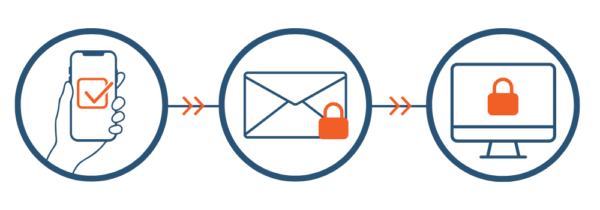
To start sending and receiving clinical documents with ReferralNet and Best Practice, follow the steps below.
Purchase a ReferralNet subscription.
Contact us to set up ReferralNet in your Best Practice clinical system
Get sending!